 main menu
| module menu
| << previous section
| next section >>
main menu
| module menu
| << previous section
| next section >>
Sentaurus Band Structure
1. Getting Started
1.1 Starting Sentaurus Band Structure
1.2 Input and Output File Types
Objectives
- To learn how to run Sentaurus Band Struture.
- To identify the input and output file types for Sentaurus Band Structure.
1.1 Starting Sentaurus Band Structure
Sentaurus Band Structure can be run in interactive mode or through Tcl based scripts. To invoke Sentaurus Band Structure, enter the following in the command prompt:
> sbandThis launches Sentaurus Band Structure, and the command prompt changes into a Tcl interpreter that can read in the user commands one line at a time and execute them interactively. You can also invoke the tool with a command file as follows:
> sband --threads n command_file_namewhere --threads n is an option that specifies the number of execution threads n and command_file_name is a valid Sentaurus Band Structure command file, for example:
> sband --threads n pp1_epm.cmd
1.2 Input and Output File Types
Figure 1 shows the main input and output file types used in Sentaurus Band Structure simulations. Sentaurus Band Structure needs the following input files:
- TDR file with the device structure, mesh, and doping profile.
- Text file containing the Tcl based commands to load the device file and to define the material parameter values, the models to apply, the equations to solve, and the physical quantities to save in the output files.
- .plt file containing physical quantities at terminals (voltages, currents, and so on) or average channel quantities (effective mobility, effective electric field, inversion layer concentration, and so on).
- TDR file containing internal fields in real-space.
- TDR file containing internal fields in momentum-space or k-space.
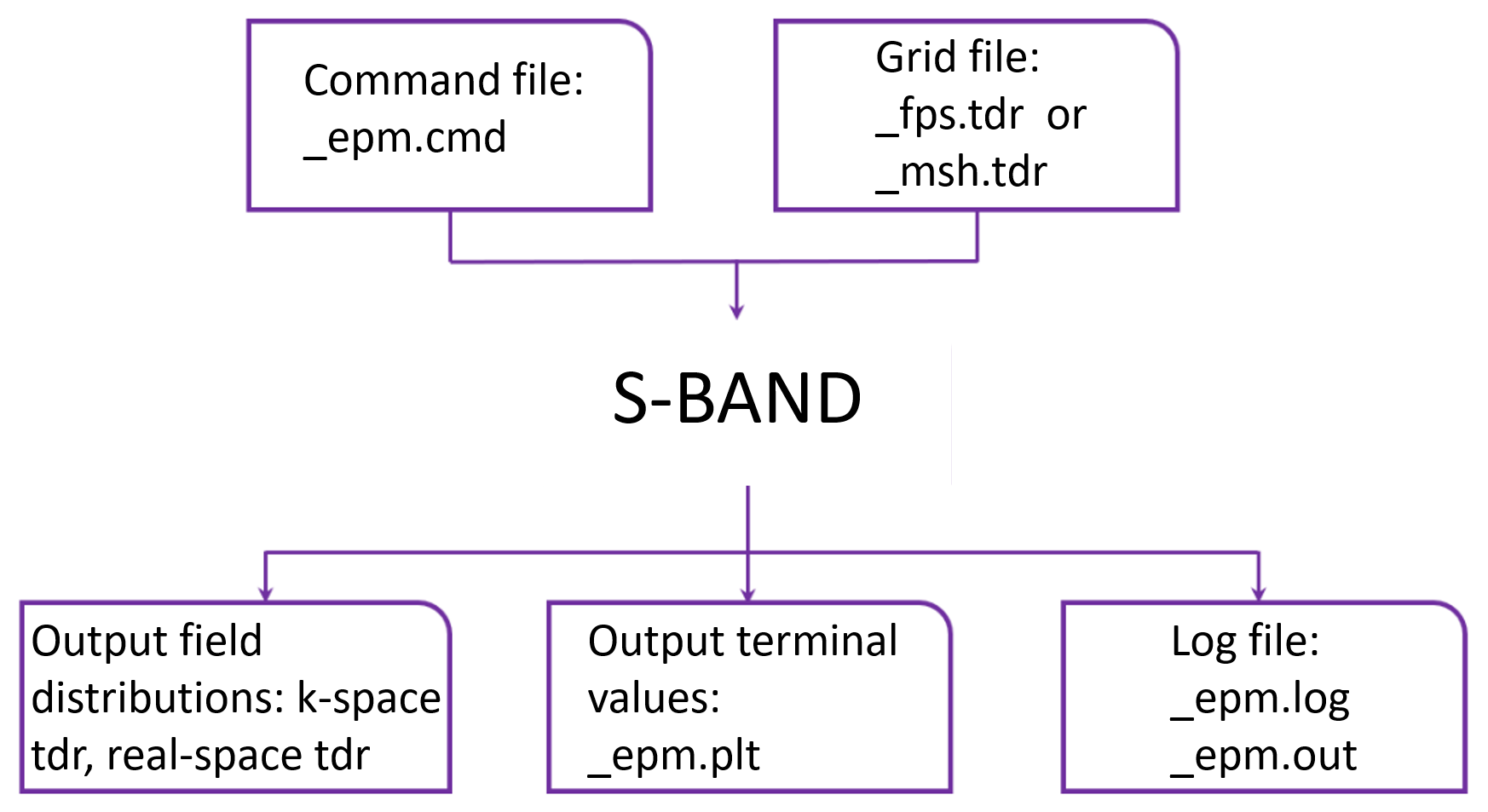
Figure 1. Overview of input and output files for Sentaurus Band Structure. (Click image for full-size view.)
main menu | module menu | << previous section | next section >>
Copyright © 2024 Synopsys, Inc. All rights reserved.